Carrying Proof of License on Your Phone
We've all been there: fumbling through a wallet crammed with old receipts, trying to find that crumpled paper hunting license, or worse, realizing you left it on the kitchen table back home. The anxiety that washes over you when you know a game warden could be around the next bend is a feeling no hunter wants to experience. But thankfully, Maine has embraced the digital age, offering hunters a convenient, modern solution to this age-old problem. This guide will walk you through everything you need to know about legally carrying proof of your Maine hunting license right on your phone, ensuring you're always prepared and compliant in the field.
The Evolution of Maine's Hunting License Proof
For decades, the physical paper license was king. You’d trek to your local town clerk, a sporting goods store, or a Maine Department of Inland Fisheries and Wildlife (MDIFW) office, fill out the form, pay your fee, and walk out with that iconic green or white slip of paper. It felt official, a tangible piece of your hunting season. But let’s be honest, those paper licenses were also fragile. They’d get soaked in a downpour, torn in a pocket, or simply lost in the shuffle of gear. The idea of losing your license midway through a hunt, especially if you were deep in the North Maine Woods, was a genuine headache.
From Paper to Digital: A Welcome Change
The shift towards digital proof has been a massive relief for many of us. Imagine not having to worry about that paper turning into pulp in a sudden rain shower, or accidentally running it through the wash with your hunting clothes. Maine's embrace of digital licensing is a testament to the state's understanding of modern convenience while still maintaining strict regulatory standards. It's a pragmatic solution that acknowledges how much our phones have become central to our daily lives, even in the wilds. This move has made obtaining and carrying your license much more user-friendly, allowing hunters to spend less time on paperwork and more time scouting or actually Hunting Maine's Generous Fall Turkey Season.
What Constitutes Valid Digital Proof
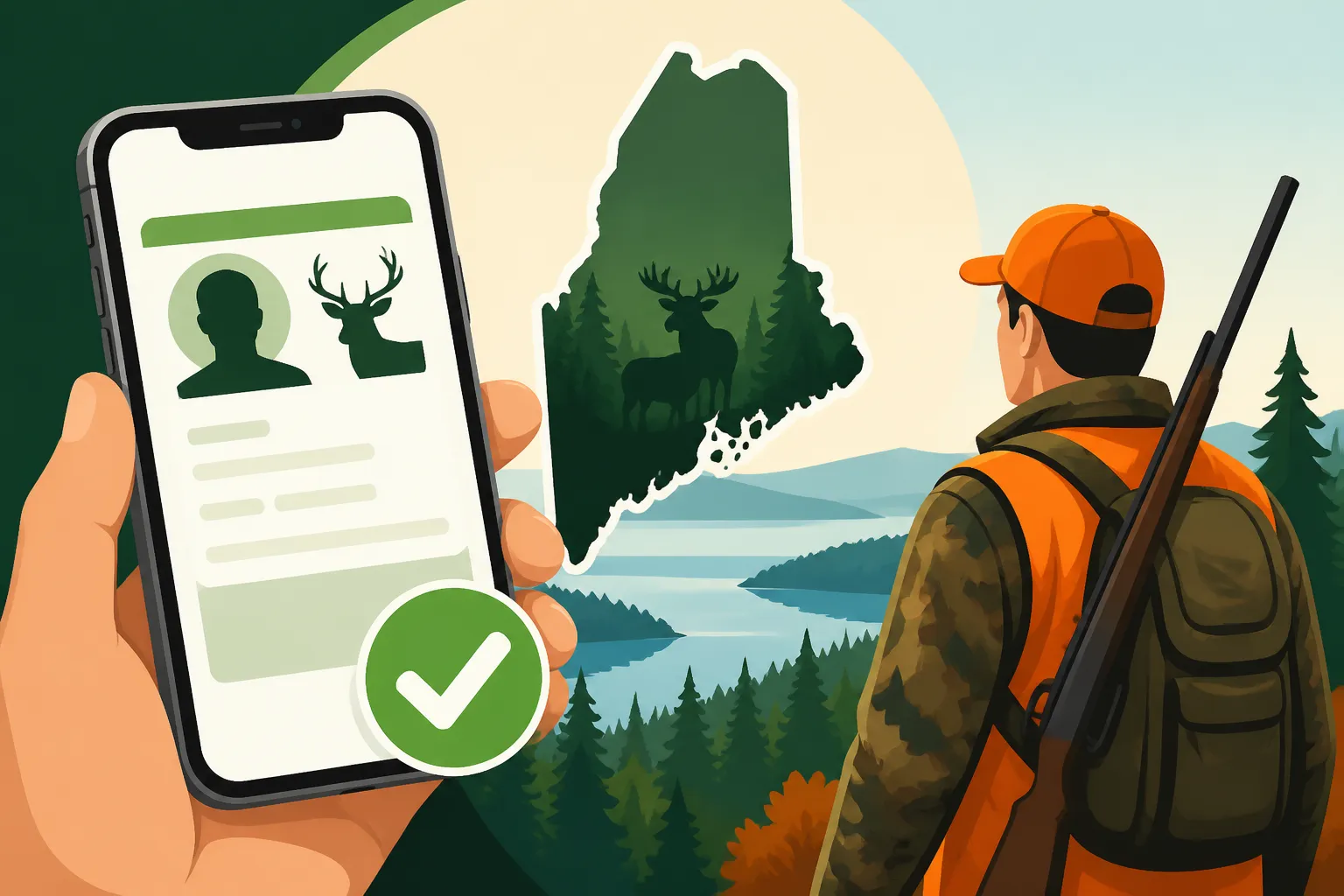
So, what exactly does "valid digital proof" mean in Maine? It’s not just about having a blurry photo of your license somewhere in your phone’s camera roll. Maine law specifically allows for electronic display of your hunting license, permits, and any other required tags. This means having the official document, easily accessible, on your smartphone or other electronic device.
The key is that the information must be clear, legible, and match your identification. This typically means having the actual PDF file of your license, which you can download from the MDIFW’s e-licensing portal, or displaying it through a recognized app. The intent is for the information to be as clear and verifiable as a physical copy. Game wardens need to be able to confirm your identity, the type of license you hold (like a Maine Resident License Options or Maine Nonresident License Options), its validity period (like knowing How Long a Maine License Stays Valid), and any specific permits you hold, such as an antlerless deer permit or a migratory bird certification. This digital display capability is a huge step forward from having to carry a bulky wallet with multiple slips of paper for different seasons and species.
How to Carry Your Maine Hunting License on Your Phone
Getting your license onto your phone is simpler than you might think, and there are a couple of reliable methods to ensure you're always in compliance. The goal is to have it readily available, even if you’re in a remote area with no cell service.
Using the Official Maine e-Licensing Portal
The most straightforward and official way to get your license onto your phone is directly through the MDIFW's e-licensing portal. When you purchase your Maine Hunting Licenses and What They Cost online, whether it’s your basic hunting license, an archery permit, or even a Maine Muzzleloader Permit Costs, you'll typically receive an email with a link to download a PDF version of your license.
Here's a simple step-by-step:
- Purchase Online: Go to the official Maine IFW website and navigate to their online licensing system. Complete the process for Buying a License Through Maine's Online Portal.
- Download the PDF: Once your purchase is complete, you'll usually be given an option to download your license as a PDF. You'll also likely receive an email with this PDF attached or a link to it.
- Save to Your Phone: Open the PDF on your smartphone. Most phones will give you options to "Save to Files," "Add to Books," or a similar function that stores the document locally on your device. For iPhones, saving to the "Files" app or even as a "note" is excellent. Android users can save it to their "Downloads" folder or a dedicated "Hunting Licenses" folder within their device storage.
- Create a Shortcut (Optional but Recommended): Consider creating a shortcut to this file on your home screen or within an easily accessible widget. This eliminates fumbling through folders when a game warden asks to see your credentials.
Having it saved directly to your phone means you don't need an active internet connection to display it, which is crucial when you're deep in the Maine woods where reception is spotty at best.
Leveraging Third-Party Apps like GoHunt
Beyond simply saving the PDF, some third-party hunting apps offer features to store and manage your licenses, often alongside other useful tools. One such app that many hunters use for planning and scouting is GoHunt. While GoHunt primarily focuses on Western big game units and draws, its general mapping and data management features are evolving, and similar platforms or even state-specific apps (if Maine were to develop one with this specific functionality) can be incredibly useful.
For example, a robust hunting app like GoHunt can allow you to store critical documents, including your licenses and permits, within the app itself. This centralizes all your hunting-related information. The benefit here is that you might already be using these apps for other purposes, like checking regulations, scouting public lands, or even Scouting With the Maine Hunting App (if a similar official app existed). Integrating your license information into an app you frequently use makes it incredibly convenient.
It's vital to ensure any third-party app you use for this purpose is reputable and secure. Always double-check that the version of your license displayed within the app is the official PDF or a direct, clear representation of it, not just a screenshot that could be misinterpreted or deemed insufficient by a game warden.
Best Practices for Digital Storage
Simply saving your license isn't enough; you need a strategy to ensure it's always accessible and protected.
- Redundancy is Your Friend: Don't rely on just one copy. Save the PDF to your phone’s internal storage, email it to yourself so it’s in your inbox, and perhaps even store it in a cloud service like Google Drive or Dropbox. This way, if your phone crashes or you accidentally delete the file, you have backups.
- Offline Access is Paramount: Before heading out, always open your digital license file when you have service to ensure it loads correctly, then close your internet connection and try opening it again. This confirms it's truly stored offline and not just cached. This is non-negotiable for hunting in vast areas like the North Woods.
- Organize for Quick Retrieval: Create a dedicated folder on your phone titled "Hunting Licenses" or "Maine Hunting Docs." Within this folder, you can keep your current year's license, any specific permits like a Maine Antlerless Permit Districts, and even a copy of your Maine Hunter Education Requirements certificate. The faster you can produce it for a game warden, the smoother the interaction will be.
- Keep it Current: Just like you wouldn't use last year's paper license, make sure the digital file on your phone is for the current season. As soon as you renew your license, download the new PDF and replace the old one.
Addressing Common Concerns and Practicalities
Even with the convenience of digital licenses, hunters often have valid concerns. Let's tackle some of the most common ones.
The Dreaded Dead Battery Scenario
This is probably the biggest fear for anyone relying on a smartphone in the backcountry: what if your phone battery dies? Maine law is clear: you must be able to produce your license when requested by an agent of the Commissioner. A dead phone battery means you can't.
- Portable Chargers are Essential: Invest in a high-quality, fully charged portable power bank. Keep it in your pack with the necessary charging cable. This isn't just for your license; it's good practice for safety and communication too. Many modern chargers can hold multiple phone charges, providing peace of mind during a long day or multi-day trip.
- Conserve Battery Life: Turn off unnecessary apps, put your phone in low-power mode, and avoid excessive screen time. Only use it when truly needed for navigation (if you're using a GPS app) or checking your license.
- Consider a Physical Backup: Even if you prefer digital, it's not a bad idea to keep a printed copy of your license sealed in a waterproof bag in your pack, especially on multi-day excursions or when venturing into truly remote areas. Think of it as your ultimate plan B. This is particularly relevant when considering the legal requirement for Maine Deer Registration Requirements, as you might need to reference tag numbers.
Verification During a Field Check
When a Maine game warden approaches you in the field and asks to see your license, the process with a digital copy is very similar to a physical one.
- Be Polite and Cooperative: First and foremost, always be courteous and cooperative. A game warden’s job is to ensure everyone is hunting safely and legally.
- Retrieve Promptly: Have your phone ready and quickly navigate to your saved digital license. Show it clearly to the warden. They’ll likely inspect it, perhaps zooming in on details or scanning a barcode if one is present.
- Provide ID: Expect to also show a photo ID (like your driver's license) so the warden can verify that the name on the digital license matches your identity. This is standard procedure, whether you have a paper or digital license.
- Respect Their Judgment: If for any reason your digital display isn't clear, your phone is malfunctioning, or the warden has concerns, be prepared to explain or offer alternatives. This is another reason why a physical backup or a fully charged phone is so important. They are looking for genuine proof, and clarity is key.
Navigating Areas with No Cell Service
Maine is famous for its vast wilderness, much of which is completely devoid of cell signal. This is precisely why saving the actual PDF file to your device's local storage is critical.
- Local Storage, Not Cloud Storage: Do not rely on cloud storage (like Google Drive or iCloud) for your primary access to your license, unless you have specifically enabled offline access for those files. If you don't have signal, you can't access the cloud.
- Test Offline Access: As mentioned earlier, practice opening your license PDF or app-stored license with your phone in airplane mode. If it opens, you're good to go. If not, troubleshoot before heading out.
- Maps and Apps in Low Service Areas: This principle extends beyond just your license. Many hunters use apps like GoHunt or other mapping tools for navigation. Just like your license, ensure your maps and any other critical information within those apps are downloaded for offline use before you leave civilization. This ensures that even if you're deep in a remote deer yard in northern Maine, you can still access your license and your route.
Advantages and Disadvantages of a Digital License
While the convenience is undeniable, it’s worth weighing the pros and cons to understand why this method works so well for most, but might require extra precautions for others.
The Perks of Going Paperless
There are several compelling reasons why more hunters are embracing digital proof:
- Unbeatable Convenience: Your phone is almost always with you. Having your license there means one less thing to remember to grab before heading out the door. No more frantic searches for that little paper slip. You simply pull out your phone, and there it is.
- Durability and Protection: Unlike fragile paper, a digital file isn't susceptible to water damage, tears, or fading. Your phone itself offers a level of protection that paper simply can't match, especially when you’re hunting in harsh Maine weather.
- Environmental Friendliness: While a small factor, going paperless does contribute, however minimally, to reducing paper waste. It’s a small nod to conservation, aligning with the values many hunters hold.
- Ease of Access to Other Information: Your phone can hold not just your license, but also the full hunting regulations, your Maine Migratory Bird Certification, and even digital maps. An app like GoHunt can combine all this, making your phone a powerful, multi-purpose tool in the field.
- Simplicity in Updating: When new permits are issued or regulations change, updating a digital file is often much easier than managing multiple physical printouts. You can simply download the latest version.
Potential Pitfalls and How to Mitigate Them
Despite the advantages, there are some legitimate concerns with relying solely on digital proof:
- Battery Dependency: As discussed, a dead battery renders your digital license useless. The mitigation, as emphasized, is carrying a reliable portable charger and practicing good battery conservation.
- Device Malfunction or Loss: Phones can break, get dropped in water, or simply vanish. If your only copy is on a compromised device, you're in a tough spot. Regular backups to cloud services or a home computer, and having that physical backup in your truck or pack, are crucial.
- Lack of Connectivity: In deep wilderness, where even a premium mapping app like GoHunt might struggle with live updates, you absolutely need your license downloaded locally. Testing offline access is your best defense here.
- Legibility Issues: A cracked screen, a dim display, or an old, low-resolution phone might make your digital license hard for a warden to read. Ensure your screen is clean, bright, and your phone is in good working order.
Here’s a quick overview to summarize the considerations:
| Feature | Physical License | Digital License (on Phone) |
|---|---|---|
| Durability | Susceptible to water, tears, fading | Resilient (as long as phone functions), saved locally |
| Accessibility | Requires carrying wallet/specific document | Always with your phone, quick retrieval (if organized) |
| Offline Access | Always available | Only if saved locally (PDF, app), not cloud-dependent |
| Battery Req. | None | Essential for display |
| Backup Options | Print multiple copies, laminating | Cloud storage, email, physical printout backup |
| Convenience | Can be forgotten, bulky | Highly convenient, one less item to manage |
| Cost | No additional cost beyond license | Requires smartphone, optional power bank |
| Verification | Straightforward visual check | Requires clear display, potentially zoom function |
Ultimately, Maine’s decision to allow digital proof of hunting licenses is a benefit to hunters, offering flexibility and modern convenience. By understanding the rules and taking a few proactive steps to ensure accessibility and backup, you can confidently carry your license on your phone and focus on enjoying your time in the Maine outdoors. Just remember to keep that battery charged!
Disclaimer
Please note that hunting regulations, license requirements, and accepted forms of identification can change. Always consult the official Maine Department of Inland Fisheries and Wildlife (MDIFW) website or their most current hunting law book for the most up-to-date and authoritative information before heading into the field. This article is for informational purposes only and should not be considered legal advice.