Registering a Maine Deer Online
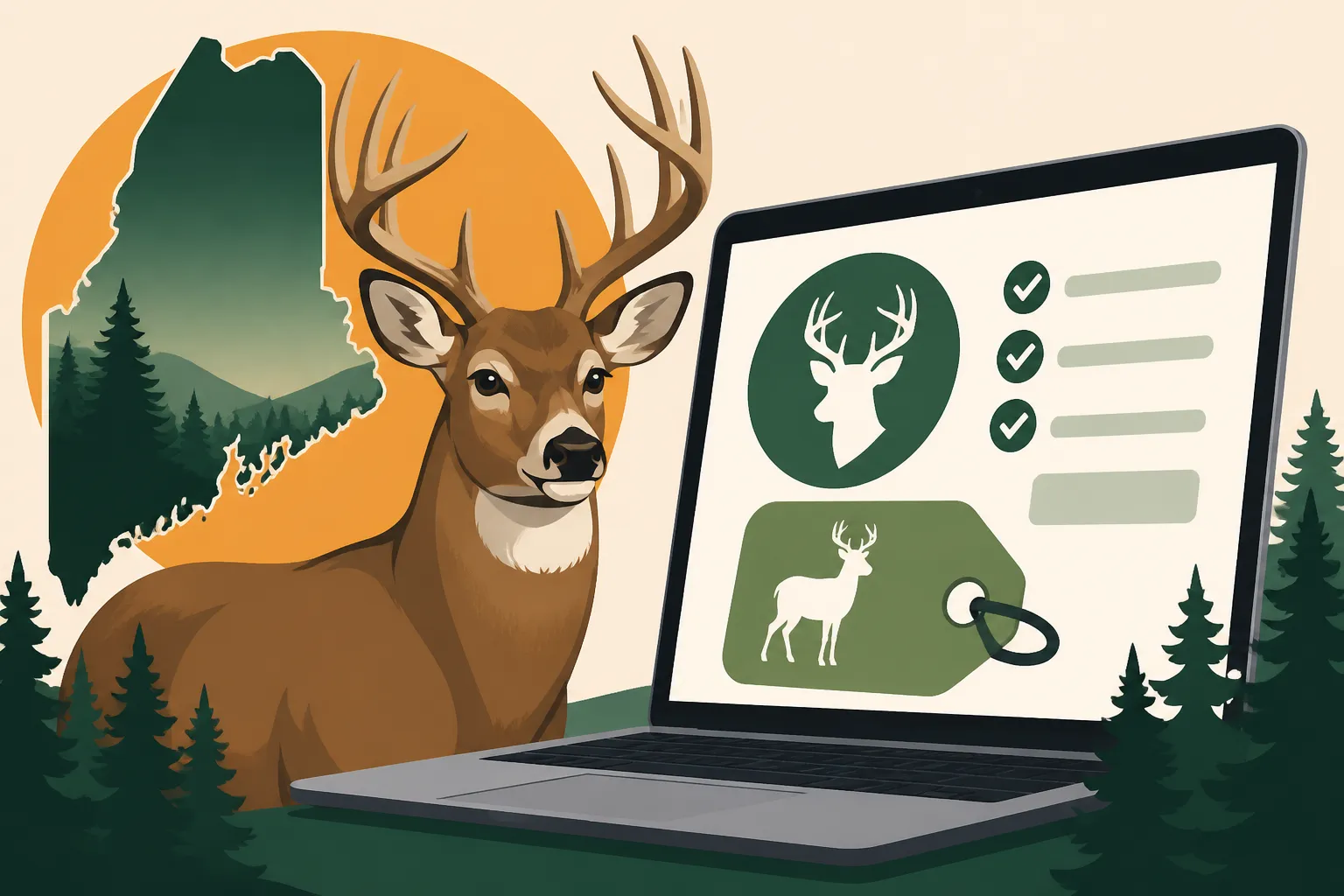
The thrill of a successful deer hunt in Maine is unmatched, but that excitement can quickly turn to confusion when it's time to register your hard-earned deer. Many hunters, especially those new to the state or those used to traditional paper tags, often wonder about the most efficient and legal way to report their harvest. This comprehensive guide will walk you through everything you need to know about registering your Maine deer online, ensuring you comply with regulations and get back to celebrating your hunt without a hitch.
The Evolution of Deer Registration in Maine
For generations, the act of registering a deer in Maine was a cherished, almost ceremonial part of the hunting experience. It often involved a trip to a local sporting goods store, a general store, or a camp that doubled as a weigh station, where your deer would be officially checked in. While these physical check stations offered a sense of community and connection, they also presented some logistical hurdles that modern technology has aimed to address.
The Traditional Check Station Experience
Picture this: you've just dragged a hefty buck out of the woods, it's late evening, and you're cold, tired, but exhilarated. The next step was always to find an open deer check station. These weren't always conveniently located, especially if you were deep in the North Maine Woods, and their operating hours could be unpredictable. You’d pull up, often in the dark, and a friendly (or sometimes weary) clerk would meticulously fill out paperwork, check the deer's sex, and maybe even weigh it if the station had a scale. It was a chance to swap stories with other hunters, hear about their day, and feel like a part of something bigger. For many, it's a nostalgic memory, a key part of the experience. But let's be honest, finding one open at 10 PM on a Sunday after a long trek could be a real challenge, leaving you wondering if you could legally tag your deer and head home.
Why Maine Moved to Online Registration
The shift to online deer registration wasn't about erasing tradition, but about enhancing convenience, improving data collection, and modernizing the overall process for hunters and wildlife managers alike. Maine, like many states, recognized the need for a more accessible system. The goal was to make it easier for hunters to comply with the law, no matter where they harvested their deer or what time of day it was. The online system, managed by the Maine Department of Inland Fisheries and Wildlife (MDIFW), allows for immediate data entry, which is crucial for monitoring deer populations, understanding harvest trends, and making informed management decisions. It significantly reduces the burden on local businesses that previously operated as check stations, allowing them to focus on their primary operations while still serving the hunting community in other ways. This digital transformation means hunters now have the flexibility to register their deer from their camp, their home, or even in the field if they have cell service, as long as they adhere to the legal requirements for tagging.
Step-by-Step Guide to Registering Your Maine Deer Online
Registering your Maine deer online is generally a straightforward process, designed to be user-friendly. However, like any online system, it requires a bit of preparation and attention to detail. Don't worry, it's far less complicated than gutting a deer in freezing rain!
Gathering Your Information and Essentials
Before you even think about firing up your laptop or phone, make sure you have everything you need close at hand. This preparation will make the registration process smooth and quick.
First and foremost, you'll need your Big Game Tag or carcass tag. This is the paper tag you detach from your license and securely attach to your deer immediately after harvest, before moving it from the place of kill. Make sure all the required information is filled out accurately on this physical tag, including the date, time, and Wildlife Management District (WMD) where you harvested the animal. You'll need the unique tag number from this physical tag for the online system.
Next, you'll need your Maine hunting license number. This is usually printed clearly on your physical license or can be found on your digital license if you use one. If you're using a Maine Resident License Options or a Maine Nonresident License Options, the process is the same, but your license number format might vary slightly.
You'll also need basic details about your harvest:
- Species: White-tailed deer (of course!).
- Sex of the deer: Buck, doe, or fawn. Make sure you've properly identified this.
- WMD (Wildlife Management District): This is the specific zone where you harvested the deer. Knowing your WMD is critical for accurate data collection. You should have already verified this before your hunt.
- Date of harvest: The exact date you took the deer.
- Time of harvest: The approximate time of day.
- Method of harvest: Archery, crossbow, firearm, or muzzleloader.
- Confirmation of antler status (if applicable): For bucks, whether it was antlered (at least one antler 3 inches or longer) or antlerless. This is important for Maine's deer management strategy and Maine's Antlerless Permit System.
Finally, you'll need a reliable internet connection and a device to access the MDIFW online registration portal. This could be a smartphone, tablet, or computer. If you're out in a remote area with spotty service, consider driving to a place with better connectivity before attempting to register.
Navigating the Maine IFW Online System
Once you have all your information, head over to the Maine Department of Inland Fisheries and Wildlife (MDIFW) website. Look for the "Hunter Harvest Registration" section. The process typically goes like this:
- Access the Portal: You'll usually find a prominent link to the online registration system on the MDIFW homepage or under their "Hunting" section.
- Select Species: Choose "Deer" from the list of available game species.
- Enter Hunter Information: You'll be prompted to enter your Maine hunting license number and usually your date of birth or last name to verify your identity. This links the harvest to your individual hunter profile.
- Enter Tag Information: Input the unique tag number from your physical carcass tag. This is crucial for verifying that you have legally tagged the animal.
- Provide Harvest Details: This is where you'll enter all the specific information you gathered: WMD, date, time, sex, and method of harvest. Double-check these details to ensure accuracy, as they are vital for Reading a Maine Harvest Report. Some systems, like the popular GoHunt app, can even streamline this by pre-populating some fields or using your device's GPS to suggest WMDs, though you should always confirm.
- Review and Submit: Before finalizing, you'll be given a chance to review all the information you've entered. Take your time here! A small mistake could lead to complications later. Once you're confident everything is correct, hit the submit button.
Understanding Your Registration Confirmation
After successfully submitting your deer registration online, you'll receive a confirmation. This is extremely important, so don't just close the window or app!
The confirmation will typically include a confirmation number or registration number. This is your proof that you have legally reported your harvest. It's often recommended to write this number directly on your physical carcass tag, or even better, take a screenshot or print out the confirmation page. Some hunters even keep a small notebook in their pack just for these important numbers. This confirmation serves as your legal documentation for possessing and transporting the deer. Without it, you could face questions from a game warden. Remember, this electronic record is what validates your harvest, even if you never physically step foot in a traditional check station.
Common Challenges and Troubleshooting
While online registration is largely convenient, it's not without its potential pitfalls. Being prepared for these common challenges can save you a lot of headache and ensure you stay on the right side of the law.
Technical Glitches and Connectivity Issues
There's nothing quite like the frustration of trying to submit critical information when your internet connection decides to vanish, or the website itself is acting up. If you're deep in the Maine woods, cell service can be non-existent, making online registration impossible right then and there. Even in more populated areas, server overloads, especially on opening day of Maine Firearms Season Opening Day or busy weekends, can cause slowdowns or temporary outages.
What to do:
- Plan for no service: If you know you'll be hunting in remote areas, don't rely on in-field registration. Have a plan to drive to an area with reliable service as soon as possible after the harvest. Many hunters will drive back to camp or the nearest town to get connected.
- Try later: If the website is slow or buggy, try again in a few minutes. Sometimes it's a temporary server issue that resolves quickly.
- Use the app (if available): Often, official hunting apps (like the MDIFW's own app or platforms such as GoHunt, which may integrate state data) are designed to be more robust for mobile users and might offer a smoother experience than a browser-based website on a small screen.
Incorrect Information or Missed Deadlines
Mistakes happen, especially when you're tired and excited. Entering the wrong WMD, date, or even your license number can cause issues. Even more critical is missing the registration deadline. The Maine Deer Registration Deadline is typically a specific time on the same day of the harvest, making prompt registration essential.
What to do:
- Double-check everything: Seriously, take an extra minute to review all entries before hitting submit. It's much easier to correct a mistake before it's submitted.
- Contact MDIFW immediately: If you realize you've entered incorrect information after submitting, or if you accidentally miss the deadline due to an unforeseen circumstance, contact the Maine Department of Inland Fisheries and Wildlife enforcement or licensing division as soon as possible. Explain the situation honestly. They can often help rectify genuine mistakes, but delays can complicate matters.
- Set reminders: For deadlines, use your phone to set a reminder for a few hours after your typical hunting window on the day of your hunt.
What to Do If You Can't Register Online
Despite the push for digital convenience, Maine understands that not everyone has internet access, or that technology can fail. So, what happens if you genuinely cannot register online?
Legal Alternatives:
- Designated Check Stations: While most traditional check stations have transitioned to online, there might still be a few limited options, particularly in very remote areas, or for specific circumstances. It's crucial to verify if any such physical stations are still operating and what their hours are before relying on them.
- MDIFW Regional Offices: In emergencies or if you're unable to register online and cannot find a functioning physical check station, contact your nearest MDIFW regional office. They can guide you on the proper procedure, which might involve a warden assisting with registration. This should be a last resort, however.
- Calling Game Wardens (Non-Emergency Line): If you're truly stuck and have no other options, and it's within the legal timeframe, you can attempt to call the non-emergency dispatch number for the Maine Warden Service. They will advise you on the next steps. Remember, game wardens are there to help ensure compliance, but their primary role is enforcement, so always act responsibly and try standard methods first.
Maximizing Your Online Registration Experience
Beyond just getting it done, there are ways to make your online deer registration as efficient and hassle-free as possible. Thinking ahead and utilizing available resources can significantly enhance your hunting experience.
Using the Maine Hunting App for Convenience
Modern hunting demands modern tools, and for many, that means using a dedicated hunting app. The MDIFW often provides its own official app, and third-party apps like GoHunt can also be invaluable resources. These apps are designed to integrate seamlessly with state regulations and offer features that simplify the registration process.
For instance, many apps allow you to input your license information once and save it for future use. When it comes time to register a deer, much of your personal data is pre-filled, reducing typing and potential errors. Some apps also incorporate GPS functionality, which can automatically identify your current WMD, making it easier to log the precise location of your harvest. Imagine standing over your downed deer, pulling out your phone, using an app like GoHunt to quickly confirm your location, and then submitting your harvest details with just a few taps. It’s a far cry from searching for a dimly lit general store at midnight. These apps can also often carry a digital copy of your license, further streamlining your legal requirements in the field. This convenience means you can often complete your Reporting a Deer Through Maine's App while still enjoying the immediate satisfaction of your successful hunt, rather than rushing off to find a check station.
The Importance of Accurate Data
Every piece of information you provide during online registration contributes to Maine's wildlife management efforts. When you accurately report the WMD, sex of the deer, and harvest date, you're providing invaluable data to biologists who manage Maine Deer Herd Size. This information helps them understand population trends, assess the health of the herd, and make informed decisions about future hunting seasons, bag limits, and antlerless permits.
Think of it this way: if many hunters in a particular WMD are consistently harvesting a high number of mature bucks, it might indicate a healthy, thriving population. Conversely, a noticeable drop in reported harvests or a shift in the age structure of harvested deer could signal an issue that needs investigation. Your accurate reporting directly impacts the future of deer hunting in Maine, ensuring sustainable populations for generations to come. It’s part of your responsibility as a ethical hunter, going beyond just Maine Deer Tag Transfer Rules and focusing on the bigger picture of conservation.
Planning Ahead for a Smooth Process
The best way to ensure a stress-free online registration experience is to plan. Don't wait until you've got a deer on the ground and it's getting dark to figure out the process.
Before you even head out for your hunt:
- Familiarize yourself with the MDIFW website or app: Take a few minutes to navigate the online registration portal. Understand where everything is and what information you'll need.
- Have your license handy: Know your license number by heart or have it easily accessible.
- Know your WMD: Be absolutely certain of the WMD you will be hunting in. Carrying a map or using a GPS-enabled app can help with this.
- Scout cell service: If you're hunting in a remote area, identify spots with reliable cell service on your way in or during scouting trips. This way, you know exactly where to go if you need to register.
- Consider a backup plan: What if your phone dies? What if there's a power outage? Having a plan for calling a friend or family member who can register for you (with your permission and all the correct details) or knowing the location of a reliable Wi-Fi spot can be a lifesaver. This planning also extends to practical matters like Field Dressing a Deer in Cold Weather and knowing where you'll be Butchering a Deer at Camp after registration is complete.
Here's a quick comparison of the two main deer registration approaches:
| Feature | Traditional Physical Check Station | Online Registration (MDIFW Portal/App) |
|---|---|---|
| Accessibility | Limited hours, specific locations, may require travel | 24/7 access (with internet), anywhere |
| Convenience | Can be a social event, but often inconvenient | High convenience, immediate processing |
| Speed | Depends on queue, manual process | Instant submission |
| Data Accuracy | Relies on manual entry by clerk | Relies on hunter entry, direct to database |
| Proof of Registration | Paper slip/sticker | Digital confirmation number (print/screenshot recommended) |
| Community Aspect | High, shared experience | Low, individual process |
| Technical Requirement | None | Internet access, device (smartphone, computer) |
| Emergency Options | Yes, if open and accessible | Limited without internet, requires backup plan |
The ability to register your Maine deer online is a modern convenience that makes the process much simpler, but it still requires diligence and preparation from the hunter. Embrace the technology, understand the rules, and you'll ensure a smooth conclusion to your successful Maine deer hunt.
Disclaimer
The information provided in this article is for general guidance and informational purposes only. While we strive to be accurate and up-to-date, hunting regulations in Maine can change. It is your responsibility as a hunter to consult the most current Maine Department of Inland Fisheries and Wildlife (MDIFW) regulations, laws, and official publications before hunting. Always verify specific season dates, bag limits, licensing requirements, and registration procedures directly with MDIFW. Failure to do so could result in fines or penalties.